
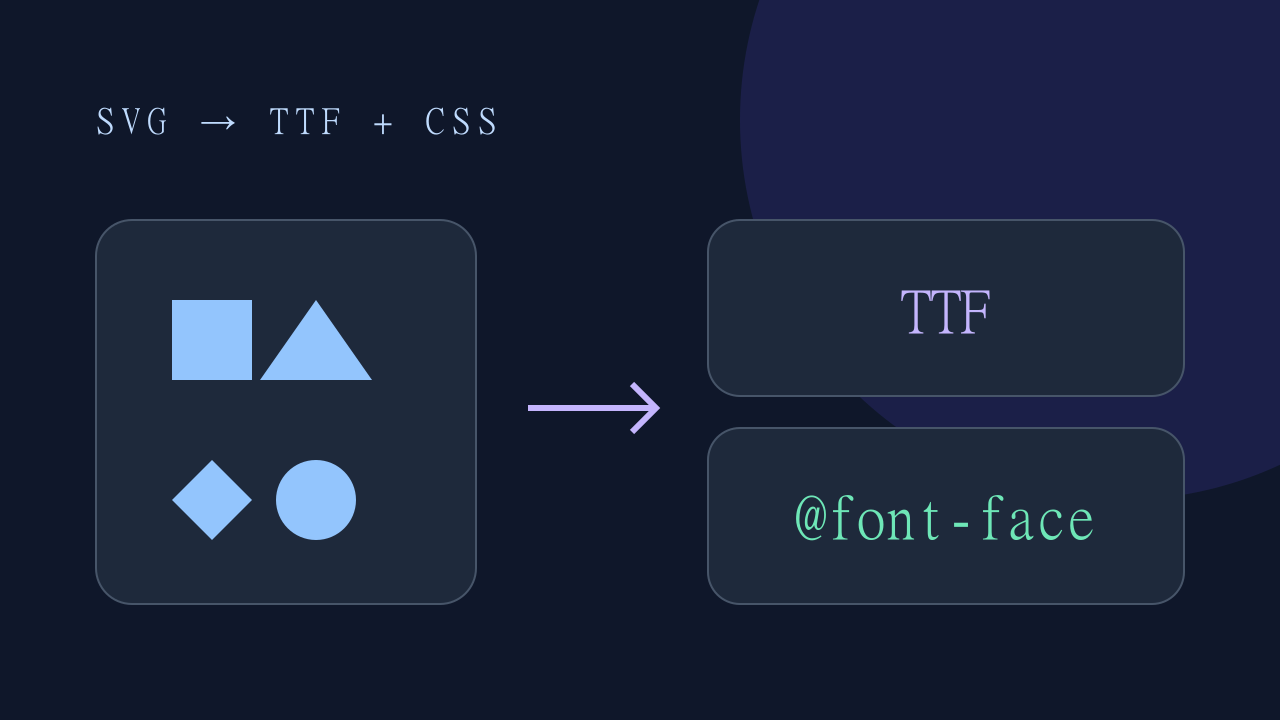
Key takeaways
- The current tool exports TTF and CSS; it does not export WOFF2 or a ZIP archive.
- Use monochrome filled paths and check each generated glyph.
- Give meaningful icons accessible labels; hide decorative icons from assistive technology.
Choose a suitable icon format
An icon font can be useful for a monochrome set styled with text color and font size. Inline SVG is often easier for multicolor artwork and precise accessibility. Neither approach is universally faster: compare the assets and rendering in your application before making a performance claim.
Prepare filled paths
Use a valid SVG with a viewBox and filled path geometry. Convert strokes to outlines and flatten unsupported shapes, transformations or clipping in your vector editor before import. A stroke-only icon may produce an empty or incorrect glyph. The following square is a simple filled-path example.
<svg viewBox="0 0 24 24" xmlns="http://www.w3.org/2000/svg">
  <path d="M4 4H20V20H4Z" fill="currentColor"/>
</svg>
Generate and download
Open the SVG to font converter, add your prepared icons and generate the font. The current JavaScript converter runs in the browser and produces a TTF font plus CSS mappings. Download the TTF and copy the CSS separately. WOFF, WOFF2 compression and ZIP packaging are not provided. Large sets may take time because generation runs on the browser main thread.
Integrate and test
Place the TTF at the URL referenced by the generated @font-face rule and check that it loads without a 404. Test glyph names, assigned code points, baseline and sizing. Private-use Unicode does not make icons accessible automatically: use aria-hidden="true" for decorative glyphs and a text label for meaningful controls. If you need WOFF2, use a separate converter and update the CSS format and URL. Optional AI assistance can send input externally after consent.
Glyph Geometry, Baseline Alignment & Accessibility
When generating TrueType icon fonts from vector paths, front-end engineers should keep three core layout rules in mind:
- Y-Axis Inversion & Coordinate Space: In SVG syntax, the origin
(0,0)is situated at the top-left corner with the Y-axis pointing downward. Conversely, OpenType and TrueType font metrics locate the origin(0,0)at the bottom-left baseline. In-browser font generators automatically flip the vertical contours during compilation. - Em-Square Scaling and Optical Weight: Icon fonts calculate glyph dimensions using Units Per Em (typically 1000 or 2048 UPM). Ensure all vector assets share an identical square
viewBox(such as0 0 24 24) prior to compilation so that glyphs align cleanly with neighboring text baselines without optical shifts. - Screen Reader Accessibility (WCAG 2.1): Font glyphs are allocated in the Unicode Private Use Area (PUA,
U+E000toU+F8FF). Assistive technologies cannot pronounce PUA code points reliably. Always applyaria-hidden="true"to font icon spans and provide an explicit text label (such as<span class="sr-only">...</span>) for screen readers.
- Filled SVG paths
- Generate TTF and CSS
- Download font and copy CSS
Vector to Font Compilation Workflow
When converting vector assets to web fonts, the compiler parses XML <path d="..."> commands (lines, Bézier curves, arcs) and maps them into TrueType font contours. To ensure smooth rasterization:
- Outline All Strokes: Non-filled vector paths will render invisible in font binaries. Convert all line strokes to outlines (
Expand Fillin Illustrator or Figma). - Single Continuous Contours: Compound paths must use a non-zero winding fill rule (
fill-rule="nonzero"). Overlapping subpaths with inverted winding will produce hollow cutouts. - Normalize Viewbox: Standardize on a 1000x1000 or 1024x1024 coordinate system to minimize rounding errors during floating-point vector to integer glyph quantization.
SVG to Unicode Glyph Mapping (PUA Standard)
During vector to font conversion, each icon is assigned an explicit hexadecimal character code. Industry best practices avoid overriding standard ASCII or alphanumeric characters, binding glyphs to the Unicode Private Use Area (PUA):
- Range Allocation: Start mapping custom vector glyphs at
\uE000() through\uF8FF. - CSS Content Injection: Reference glyphs in CSS using the
contentpseudo-element property:.icon-home::before { content: "\e001"; font-family: "MyIconFont"; } - Consistent Code Points: Keep a persistent JSON or manifest map linking icon filenames (
search.svgto\e002) so subsequent font updates never alter existing icon characters in legacy codebases.
SVG to TTF Conversion for Web Fonts & CSS Sprites
Generating a TrueType (.ttf) file from raw SVG files provides superior rendering flexibility over heavy PNG or SVG sprites:
- Resolution Independence: TrueType glyphs scale losslessly from 12px micro-indicators up to 4K displays with zero blur.
- Dynamic CSS Theming: Font icons inherit CSS
color,text-shadow,transition, andhoverstates automatically, eliminating the need to maintain multiple colored image files. - Zero Network Overhead: Combining 50+ vector icons into a single compact
.ttfweb font saves dozens of separate HTTP requests, significantly boosting Core Web Vitals (LCP and FCP).