
Key takeaways
- Decoding displays data; it does not prove that a signature is valid.
- Check issuer, audience and expiration against the rules of your application.
- Use sample tokens when demonstrating or sharing results.
Understand the three parts
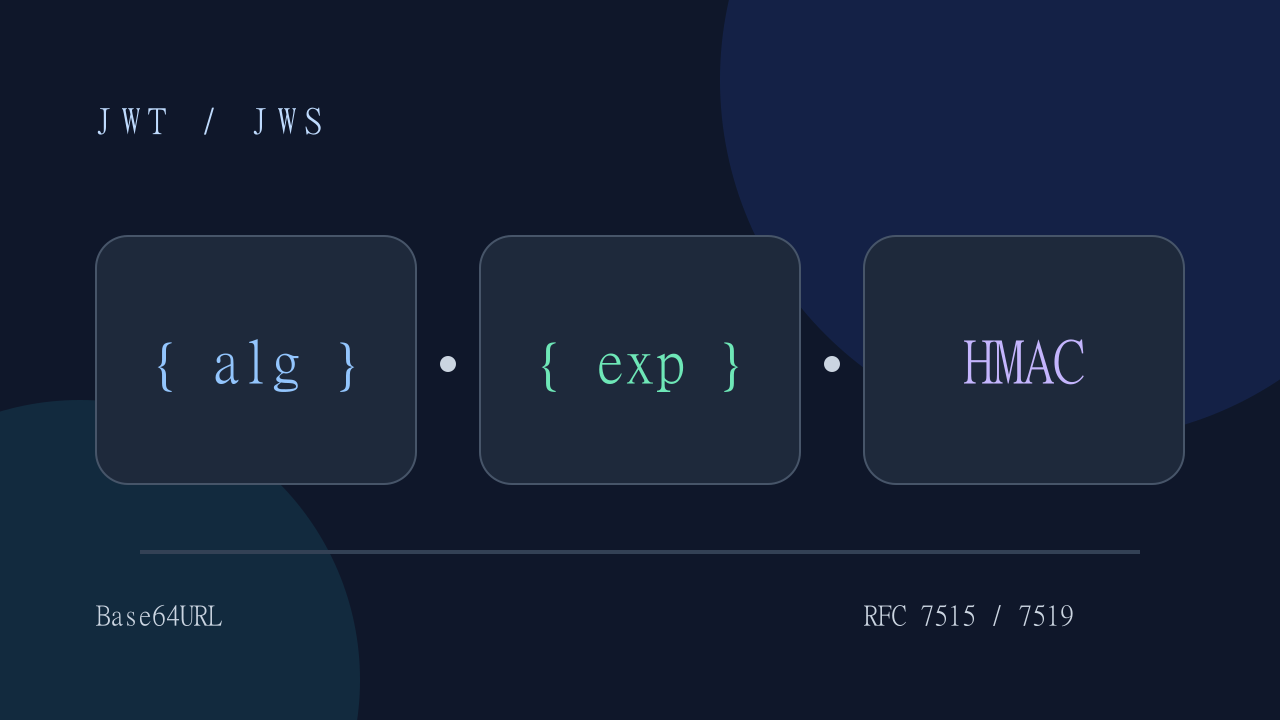
A signed JWT commonly has three dot-separated parts: a Base64URL header, a Base64URL payload and a signature. JWS describes the signed envelope. The first two parts are encoded, not encrypted: anyone holding the token can usually read them. Some encrypted tokens use a different format and are not supported by this decoder.
Inspect a token
Open the JWT decoder, paste a sample token and inspect the header and payload. The decoder displays JSON locally in the browser. An invalid Base64URL segment or malformed JSON is an input error, not proof that the token is malicious. Do not paste an entire HTTP Authorization header when the input expects only the token.
{ "alg": "HS256", "typ": "JWT" }Interpret the claims
The alg field describes the claimed signature algorithm. The iss and aud claims identify the issuer and intended audience; exp, nbf and iat are Unix timestamps in seconds. Use the timestamp converter to inspect a date. Validate these values on the server using trusted keys and an explicit algorithm allowlist. Never authorize a request using decoded claims alone.
Handle sensitive input
The core decoder runs locally. Optional AI assistance is a separate, consent-based action that may send the selected input to an external provider; avoid sending real credentials. Loading the site still makes normal asset requests. Offline use depends on the required pages and assets having been cached successfully. Clear the input after use; this is not a guarantee of secure memory erasure.
Architectural Validation Pitfalls (RFC 7519)
When debugging JWT tokens in production architectures, inspecting the payload is only the first diagnostic step. Software engineers must verify three critical security boundaries before trusting claims:
- The “none” Algorithm Exploit: Misconfigured authentication libraries may accept tokens where
"alg": "none"or lowercase variants bypass signature verification. Always enforce an explicit algorithm allowlist (such as strictlyRS256orES256) on your verification middleware rather than trusting the header. - Key Confusion Attacks (HMAC vs RSA): If a backend expects an RSA public key but uses a generic verification routine, an attacker can attempt to sign a forged token using HMAC-SHA256 with the public key bytes as the secret key. Never allow the unverified token header’s
algparameter to dictate the cryptographic family dynamically. - Clock Skew and Microservice Leeway: Expiration (
exp) and Not-Before (nbf) validations frequently trigger false-positive rejections across distributed cloud nodes. Enforce a small leeway (typically 30 to 60 seconds) in your JWT verification configuration to accommodate NTP drift and network latency across container clusters.
Client-Side Architecture & Privacy Model
DevOmniTools processes JSON Web Tokens 100% locally within your browser sandbox:
- Zero Server Telemetry: Tokens pasted into the decoder are never transmitted over HTTP or logged to backend analytics. Parsing occurs entirely using standard JavaScript string splitting and
atob()Base64URL decoders. - RFC 7515 Compliance: The decoder extracts Header, Payload, and Signature components based on RFC 7515 specifications without executing untrusted code or persisting credentials to persistent web storage (
localStorage/sessionStorage).
Common JWT/JWS Decoding Errors & Troubleshooting
| Error Symptom | Root Cause | Resolution |
|---|---|---|
Invalid Character in Base64URL | Token contains non-URL-safe characters (+, /, =) or spaces | Remove surrounding whitespace, HTTP Bearer prefix, or unescape URL characters (- and _). |
Token has invalid segment count | Token does not have exactly 3 dot-separated segments | Ensure you pasted a JWS compact serialization (header.payload.signature). JWE encrypted tokens (5 segments) cannot be decoded as raw JSON. |
Malformed JSON in Payload | Base64URL payload decoded into invalid JSON string | Check if the payload was encrypted or compressed before token construction (e.g., gzip/deflate zip header claim). |
Token Expired (exp validation) | Unix timestamp in exp claim is in milliseconds instead of seconds | RFC 7519 specifies exp must be NumericDate (seconds since Unix epoch). Divide millisecond timestamps by 1000. |
- Token input
- Decode header and payload
- Inspect claims