
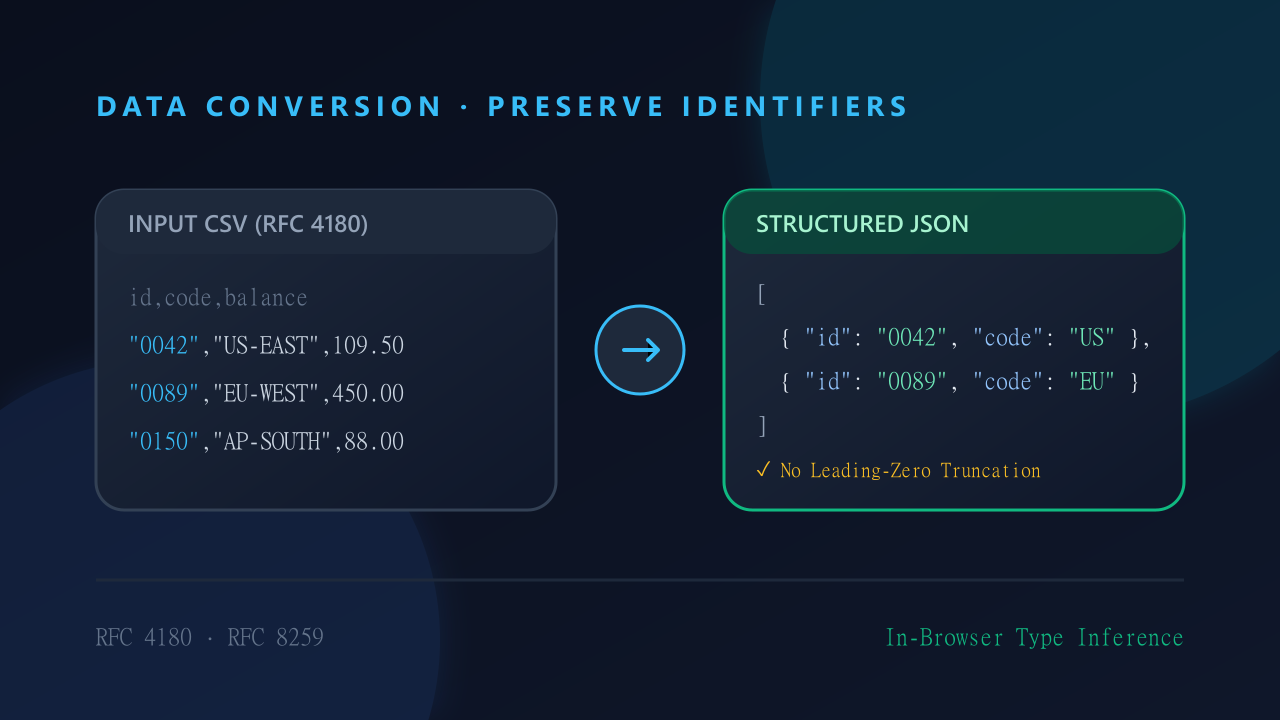
Key takeaways
- Keep type inference off when identifiers must remain strings.
- Quote CSV fields that contain commas and double embedded quotes.
- Validate the converted JSON and inspect rows before downloading.
Start with a small sample
Open the CSV to JSON converter and paste this sample. Select comma as the delimiter. Keep Parse Numbers & Booleans off when account numbers, postal codes or other identifiers must remain text.
account_id,name,active
00123,"Rivera, Ana",true
00456,"Lee ""Sam""",false
The comma inside the quoted name belongs to one field. Two consecutive double quotes inside a quoted field represent one literal quote. With type inference off, the expected result preserves all three columns as strings:
[
  {"account_id":"00123","name":"Rivera, Ana","active":"true"},
  {"account_id":"00456","name":"Lee \"Sam\"","active":"false"}
]
Decide which values are numbers
Enable type inference only when automatic conversion suits the destination. A numeric-looking ID such as 00123 can become 123, losing its leading zeros. Quoting a CSV field defines its syntax; it does not declare a permanent string type. If some columns need numbers and others need identifiers, preserve strings during conversion and explicitly transform the intended columns in your application.
Inspect before exporting
Check the table preview and record count. Search for empty values, unexpected columns and duplicate-header warnings. A preview shows only part of a large dataset, so inspect the exported result too. Open the JSON formatter to validate the converted JSON. JSON requires quoted property names and does not allow trailing commas or comments. Formatting validates syntax, not your business rules or the meaning of each column.
Check the destination
Switch to JSON-to-CSV mode for a return conversion, using the same delimiter. Re-import a small result into its intended application and compare identifiers and quoted names. CSV does not preserve a schema, so spreadsheet software may still interpret IDs as numbers or cells starting with = as formulas. Treat untrusted spreadsheet content carefully. Core conversion runs locally; optional AI is separate and sends selected content externally after consent.
RFC 4180 Edge Cases & Formula Injection Defense
When converting tabular records in automated ETL pipelines, software engineers must guard against two critical data anomalies:
- Multiline Field Parsing (RFC 4180): Standard CSV specifications permit unescaped line breaks inside double-quoted fields. Naive line-splitting algorithms corrupt multiline addresses or description fields into orphaned table rows. Robust parsers must tokenize stream state to preserve embedded line breaks.
- Formula Injection (CSV / DDE Vulnerabilities): When exporting generated CSV files to desktop spreadsheet tools (such as Microsoft Excel or Google Sheets), cells beginning with
=,+,-, or@can trigger formula execution. Always sanitize or prefix unquoted formula operators before saving client-side exports. - 64-bit Integer Precision Safety: Database keys and Snowflake IDs often exceed JavaScript’s
Number.MAX_SAFE_INTEGER($2^53-1$). Disabling automatic number inference guarantees that large 64-bit identifiers round-trip cleanly without rounding distortion.